Mostbet Trading on Mobile: Good Enough, but Not Ideal for Long Sessions
Mostbet Trading works on mobile, but the experience is best treated as a convenience layer, not a precision workstation. It is fine for short sessions, quick entries, and checking payout levels. It is weaker for chart reading and repeated decision-making across multiple assets.
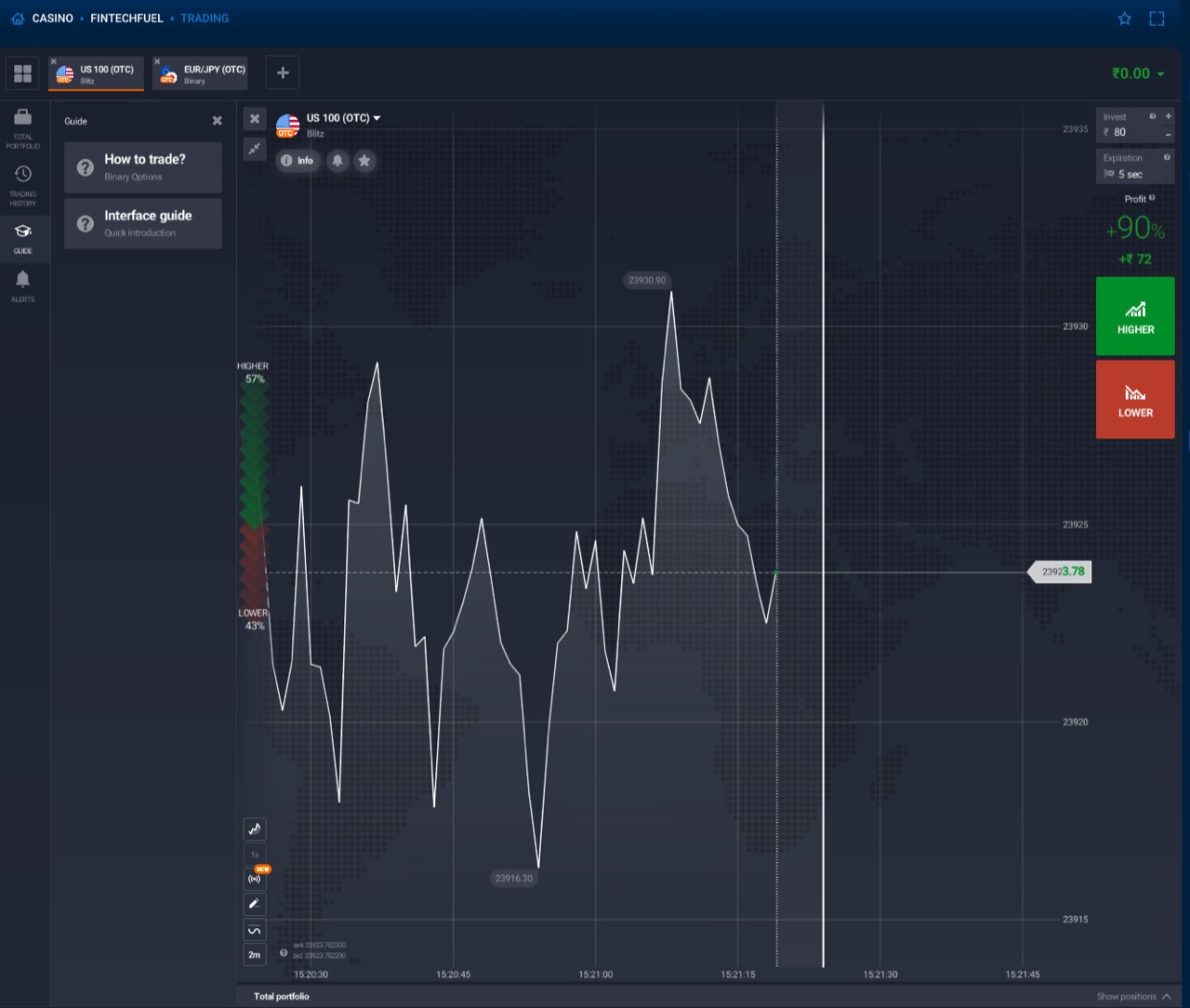
App vs Browser
- App: usually smoother for repeat sessions and tapping in and out quickly.
- Browser: easier if you do not want another install, but chart space feels tighter.
- Tablet: much better than phone if mobile is your main setup.
What Gets Harder on a Phone
- Chart visibility: less room to read short-term movement.
- Fast asset switching: more taps, more screen clutter.
- Impulse risk: the convenience can encourage low-quality rapid trades.
| Device | Best Use | Main Tradeoff |
|---|---|---|
| Phone | Quick check-ins and short sessions | Small chart and easy overtrading |
| Tablet | Best balance for mobile-style use | Still weaker than a desktop workstation |
| Browser on phone | No-install access | Less stable than the app for repeat sessions |
| App | Most convenient daily route | Still not ideal for deep chart analysis |
Best Mobile Setup
- Use the app if you want repeat access with fewer browser distractions.
- Use landscape mode when you are reading charts on a phone.
- Keep sessions short and pre-planned instead of scrolling for an hour.
- Move to a tablet or desktop if you start using multiple indicators.
Best Setup by Session Type
| Session type | Best device | Why |
|---|---|---|
| Quick check-in | Phone app | Fast login and easy order placement |
| Focused 15-30 minute session | Tablet or large phone in landscape | Better chart visibility without giving up mobility |
| Longer analysis-heavy session | Desktop | More room for asset comparison and fewer accidental taps |
When Mobile Is Not The Right Tool
If you are trying to compare several assets, watch long timeframes, or avoid impulsive entries, a small screen is often the wrong environment. Mobile is fine for access; it is weaker for disciplined analysis.
My practical rule is simple: use mobile for short, pre-planned sessions. If you are trying to “read” the market on a tiny screen for an hour, you are probably creating more noise than edge.
That does not make mobile useless. It just means the strongest mobile workflow is execution-first: check one asset, follow one setup, and avoid treating a phone like a full trading desk.
Need the broader product view?
Open Trading Guide